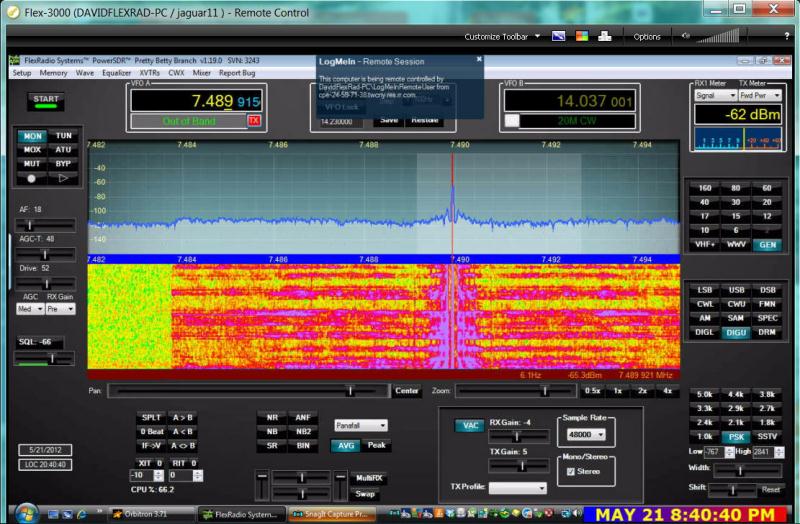








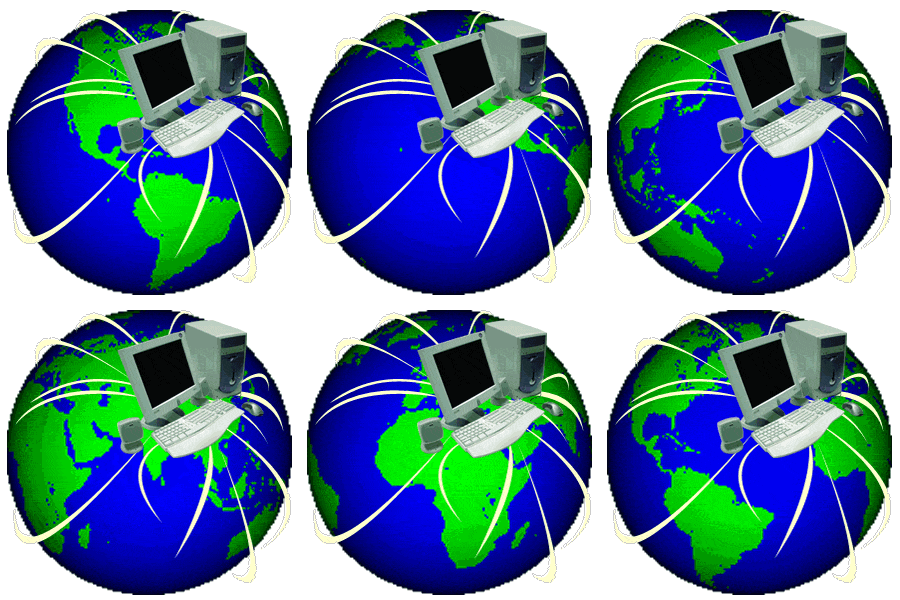
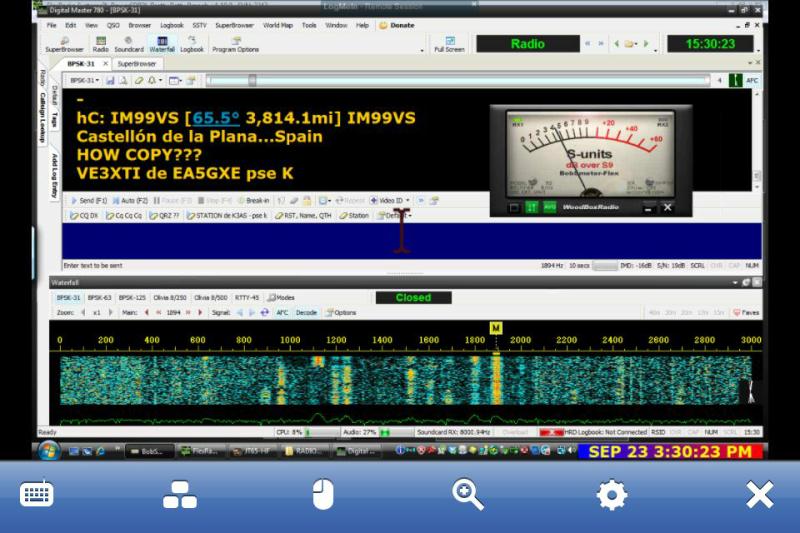
LogMeIn Software allows a remote laptop (a PC or Mac), smart phone, or iPad to access data and run programs on another computer. An Amateur radio operator can use logmein to visualize and command CAT-contol software (HRD, DM-780, etc.) in the remote computer as if physically present.
Software must be installed in BOTH the host (station) and remote device.
At home, logMeIn works best through a LAN Router when both the wireless controlling device (tablet, phone, or other computer) and the station's computer are connected and within range.
When away from home, operation is reliable when both station computer and remote device are using a high speed internet connection.
Basic LogMeIn is FREE - but paid versions - 'Ignition App' for smart phones & iPad, and 'Pro' for laptops - enable host (station) computer sound.

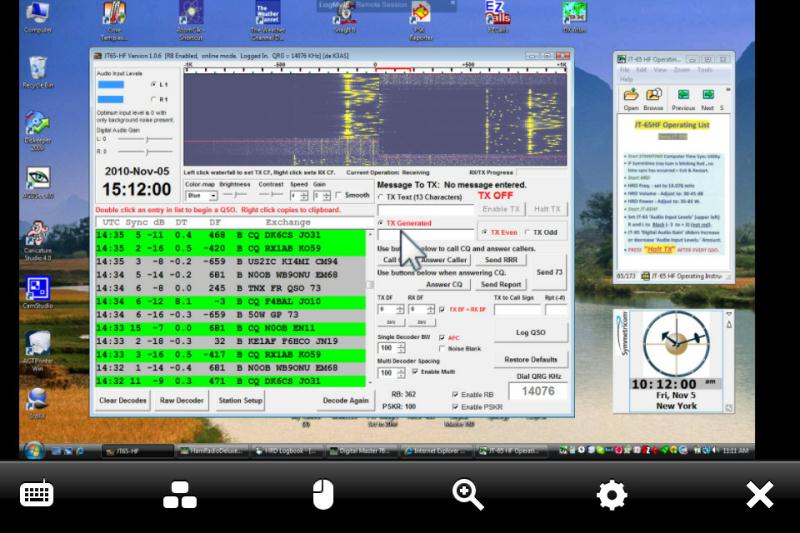
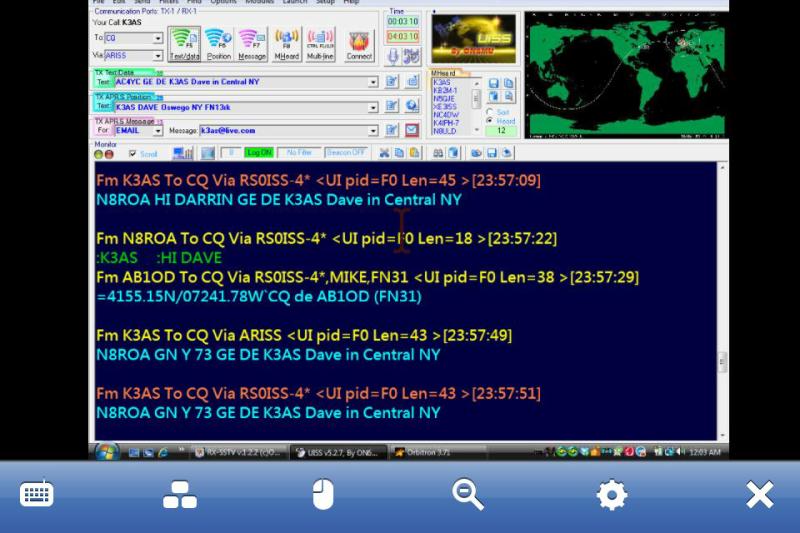
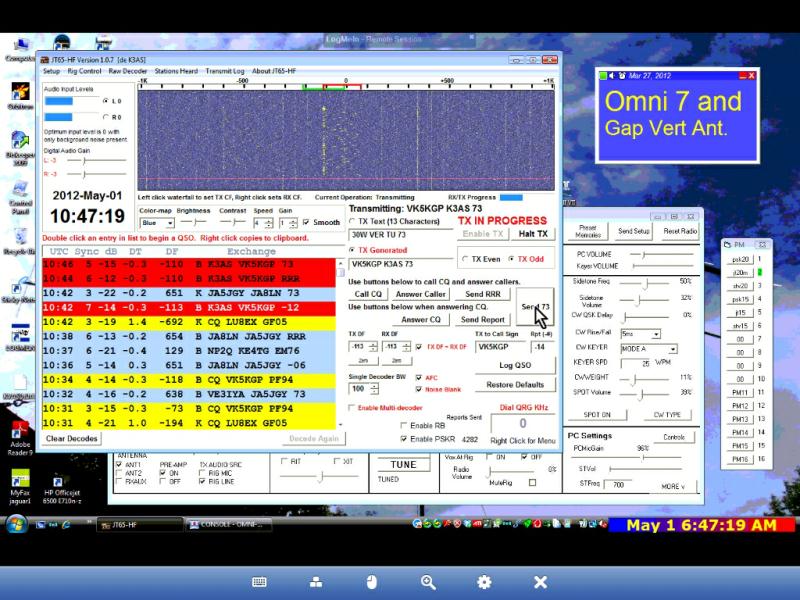
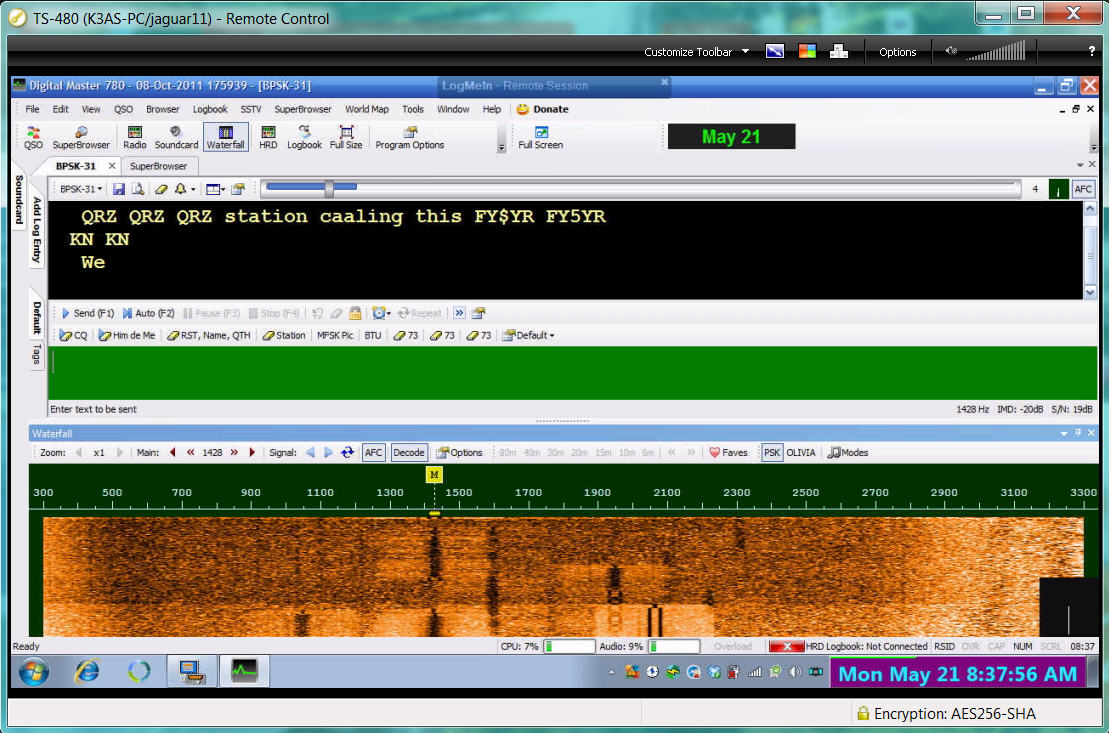
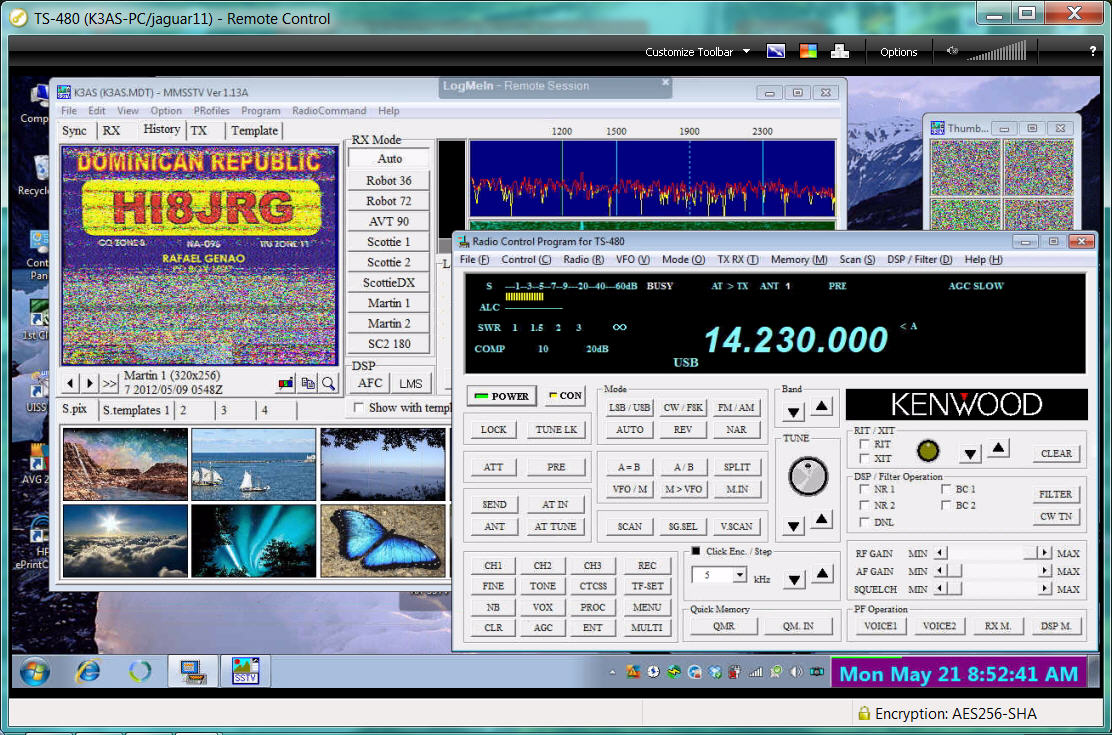
- I have had good results using LogMeIn ** with Digital modes including PSK, SSTV, JT-65, and ISS 2 meter digital packet.
- LogMeIn (FREE) does NOT support audio, but this does not pose a problem for digital modes.
- It is easy to set up and access with a password.
- Visit the LogMeIn.com ** website for info.
- Install LogMeIn on the computer you wish to control, access it by logging in from another.
- See and Access your Home computer's screen and files from a variety of separate devices.
- Skype (free) or LogMeIn Pro (fee) can be used to carry Audio sent from computer-to-computer.


Using
<< LogMeIn >> over
FAST
Internet
Connection
< CAT >


SAILING ON
GREAT
LAKE ONTARIO
OSWEGO HARBORFEST

Click Images to
ENLARGE
PSK-31 from remote laptop
JT-65 qso on iPad
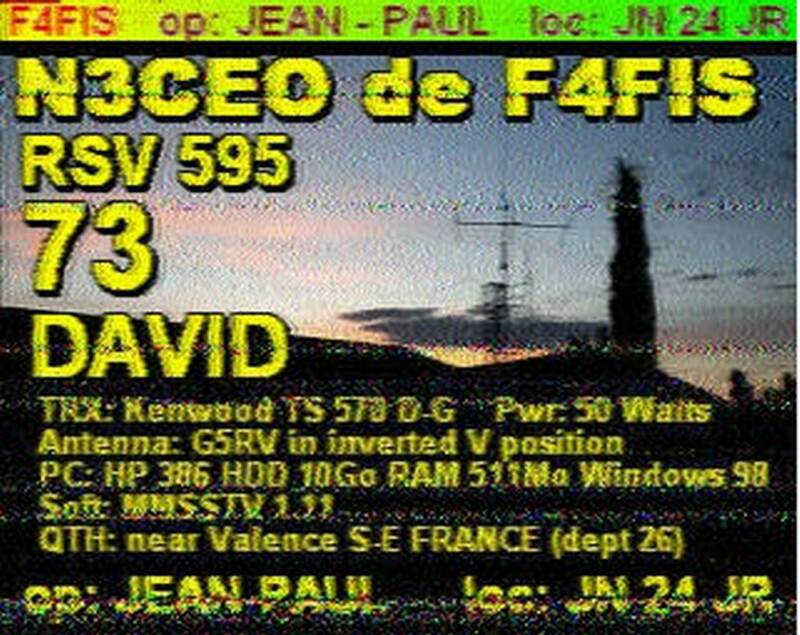
SSTV by remote laptop
F4FIS
< >
< >
 | ||||
Operate Digital Modes by Remote Control
| ||||
(Remote) operator "Control Point"
Station with CAT Software "Host"



PSK-31 on Iphone 4 JT-65A ISS 2m FM Packet
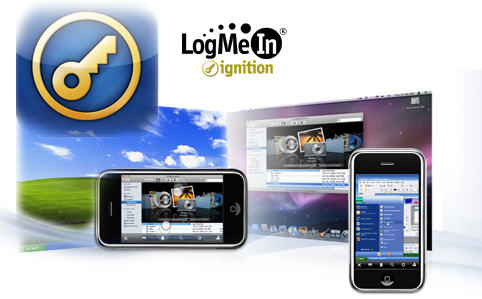
LogMeIn 'Ignition' App is available for iPhone, iPad, and android systems.
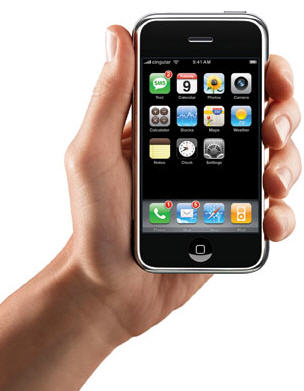
Remote Station Control for iPhone, iPad
| ||||||
Digital Modes (PSK, JT-65, SSTV, ISS packet, etc.) are easily operated by Remote Control.
Remote Station
Digital Modes
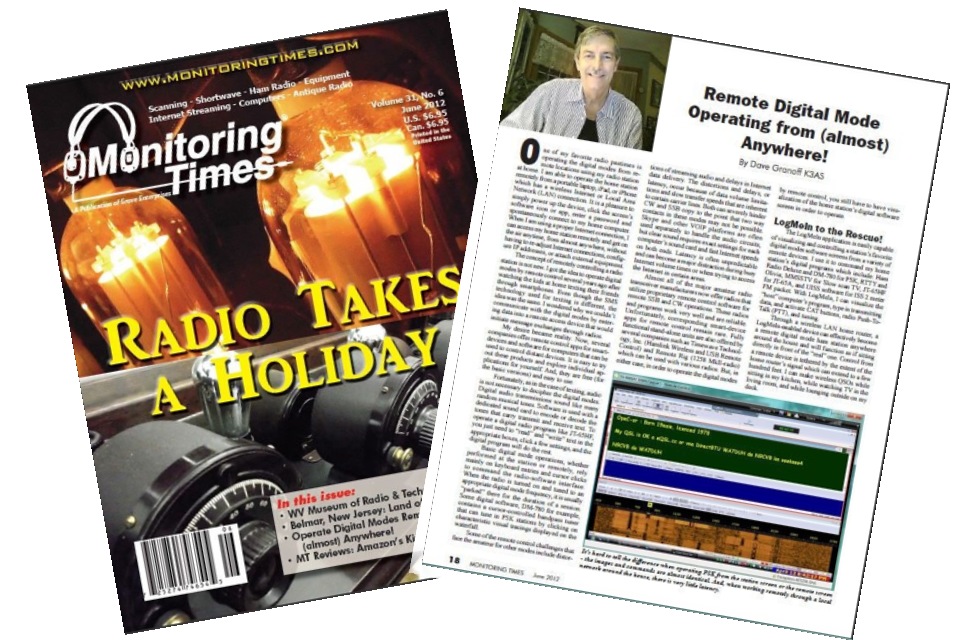
Additional Advice for Operating Digital Modes
- Make QSO Tx 'templates' ahead of time !! It's easy to do in JT-65, PSK, SSTV, etc. software
- Give your fingers and eyes a break - use a wireless bluetooth mini keyboard with phone or iPad
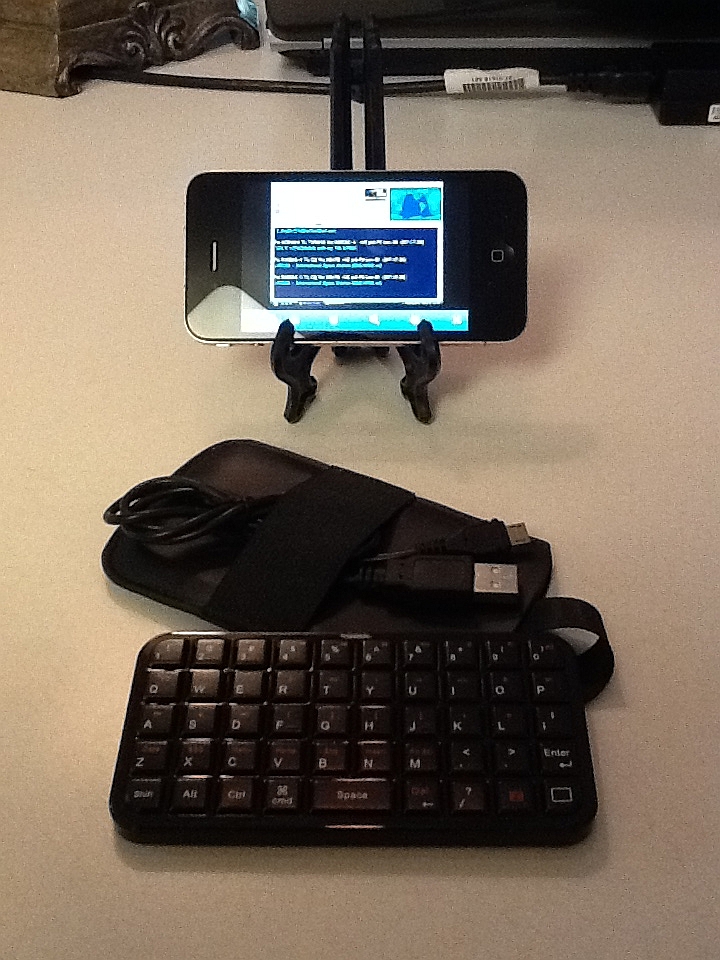
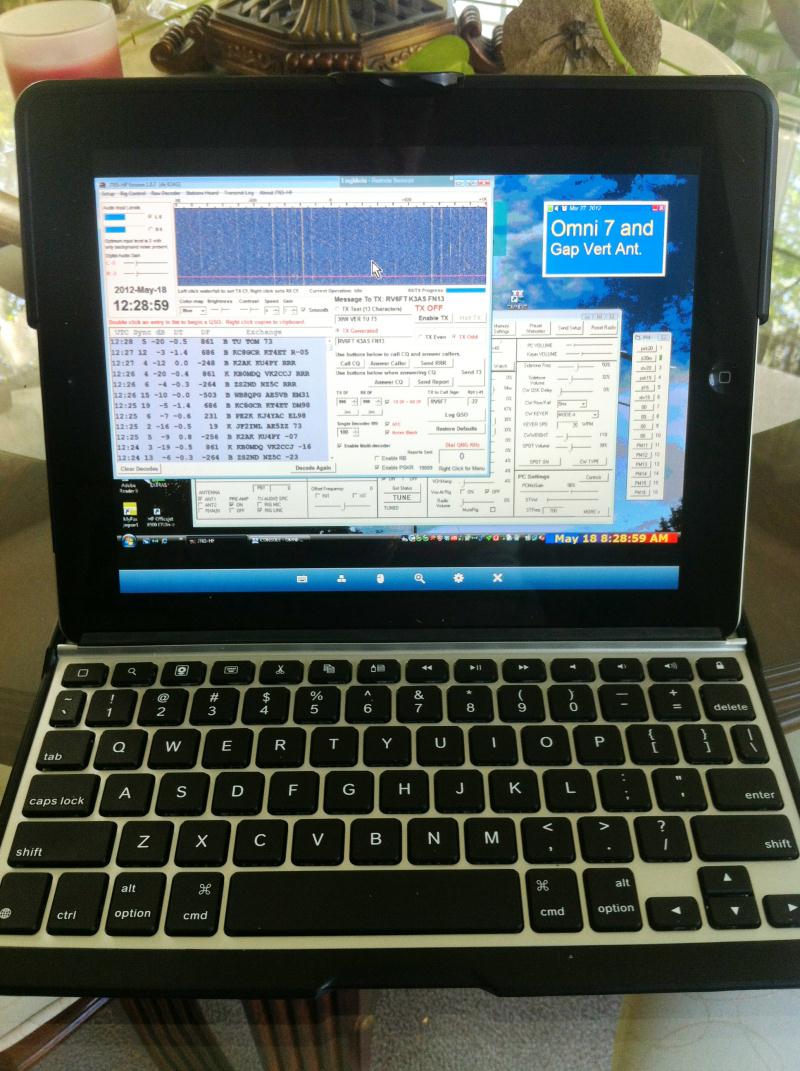
iPhone iPad

** Disclaimer: k3as does not have any vested interest in the LogMeIn company other than to recommend the product based on his experience. Other comparable products are available to the amateur and work equally well.
... From around the house, or around the World !!

k3as@live.com
questions
or
comments?
LogMeIn One Touch 'Ignition' App works across a wireless carrier signal (ATT, Verizon, etc.) but response is faster with a LAN or internet connection.
SWL on Remote iPAD